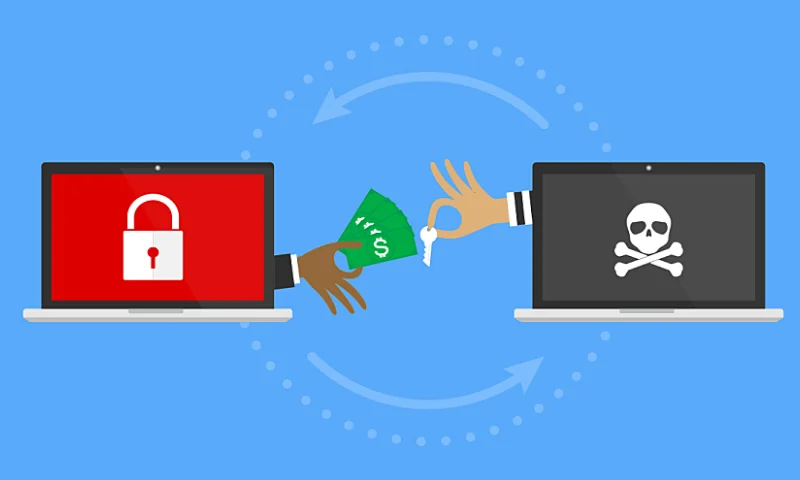
Ransomware is a type of phishing attack in which unauthorized people encrypt personal or business data. To decrypt your data, they demand ransom (money) by bitcoin or other payment methods, i.e. why is it called ransomware attack. There are few examples of past ransomware attacks: WannaCry in 2017, Aids trojan, crypto locker between 5 September till late 2014, Petya in 2016, Bad rabbit in 2017 and many more.
How Ransomware attack happens
Ransomware attack does not target or attack directly to the computer. They get into devices through internet networks, those who have weak security, no antivirus in the system. They first send spyware through unsecure websites, suspicious links sent by email or by malicious software. When users click on a link, the ransomware file gets downloaded on the system and starts running in the background as a hidden file. Then the attacker encrypts the important files and folder with the strong code.
What Next After Ransomware attack
The main purpose of the attack is extortion money from victims in return of decrypting files by Bitcoin or any other payment method. Here are a few examples: WannaCry ransomware attack was mass global on all outdated windows computers, Lockbit attacked enterprises and big firms to demand money, Ryuk attacked hospitals and stole patient data even they targeted big companies as well.
What to do on ransomware attack
The first thing you need to do is not panic and don’t pay ransom. Immediately disconnect the computer or device with WIFI / Cable network connection. Make sure not to turn off the device. There are chances you can lose your important data. But if you already have a backup of files in the cloud or any external drive which is not infected then relax and rest your device. This will remove and delete entire files including infected files. Once reset, install any licensed antivirus which has an anti-ransomware feature and scan your system. Now you can transfer data from an external drive. Report this attack to your ISP (Internet service provider) and Law enforcement cybercrime department online.
Prevention is better than ransomware attack
You can prevent yourself from ransomware attacks through taking some good decisions such as.
1. Always use well repudiated Antivirus in Windows, Mac, Android, iOS etc
2. Do not download any type of unwanted software until you are aware of it.
3. Don’t open any type of malicious file came by email,
4. Do not open unsecure websites or suspicious links, this can lead to ransomware files being downloaded on the system.
5. Always keep the backup of files and folders in an external drive or I cloud drive.
6. Use safe your secure internet network provided by trusted companies.
7. Never save banking details on browser.
8. Always use 2 steps encryptions on username and password. This is how you can keep you and your devices, files, folders and important data safe from ransomware attack. For more details you can visit our website .